


Beat Shaper AI Music Generator

Beat Shaper is an AI music-production tool for electronic music producers. Generate editable drums, basslines, synth parts, loops, and arrangements directly in your browser.
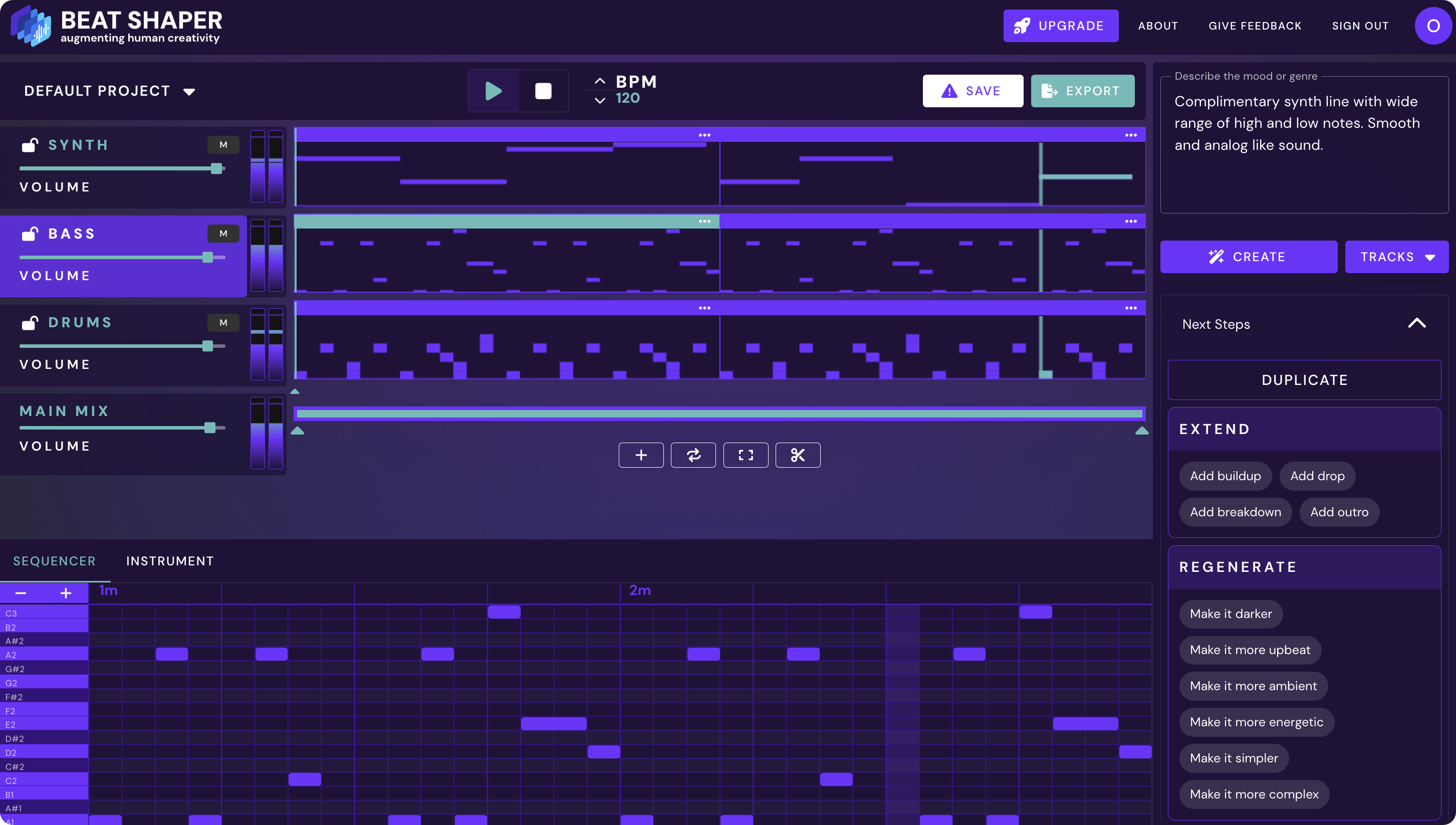
Beat Shaper UI
Features

Generate Editable Music Ideas with Full Control

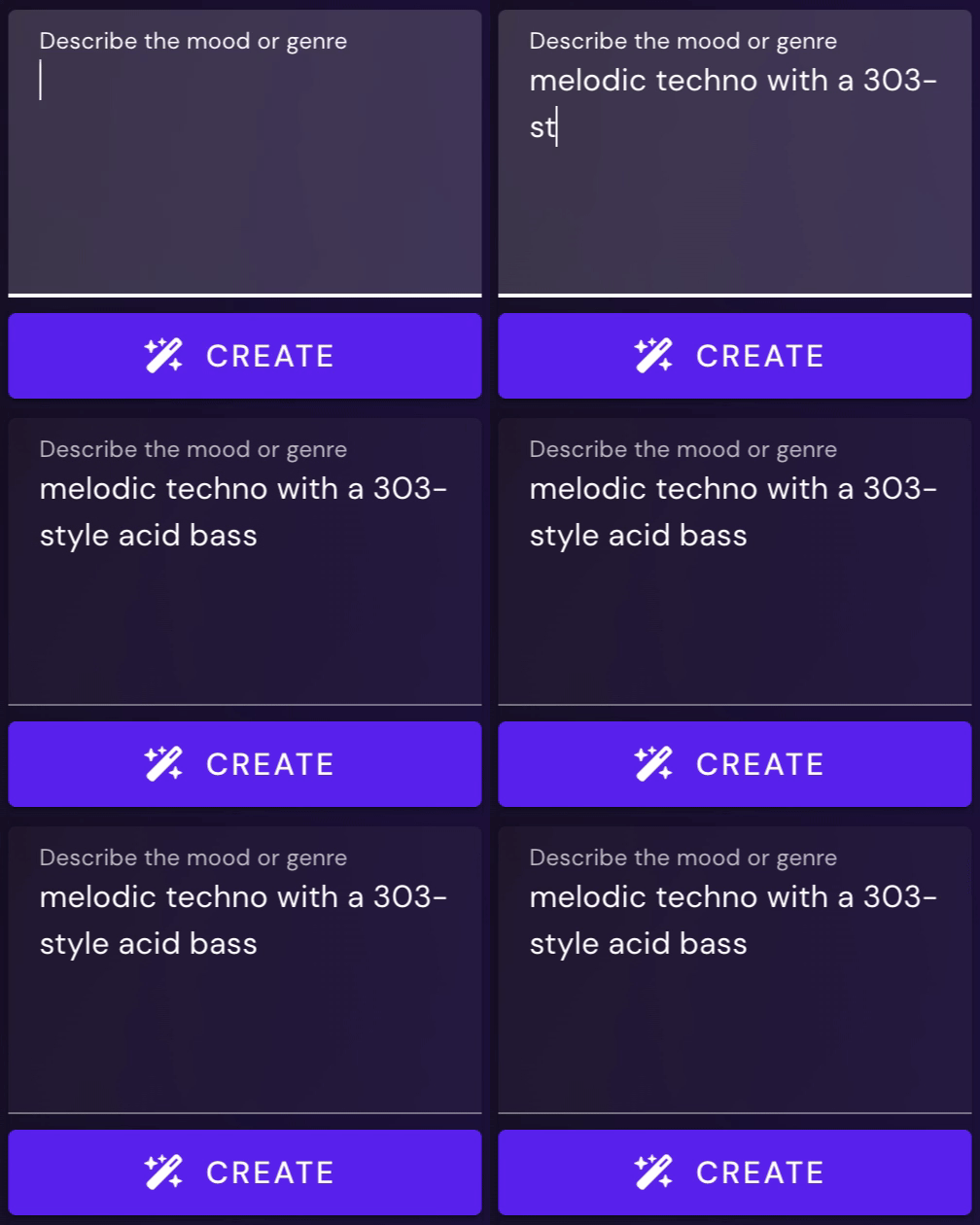
Beat Shaper turns plain-language prompts into editable MIDI loops in real time.

Text-to-Music Generation

Describe your sound in plain language and Beat Shaper turns it into a fully editable multitrack MIDI loop.

Fine-Grained Control

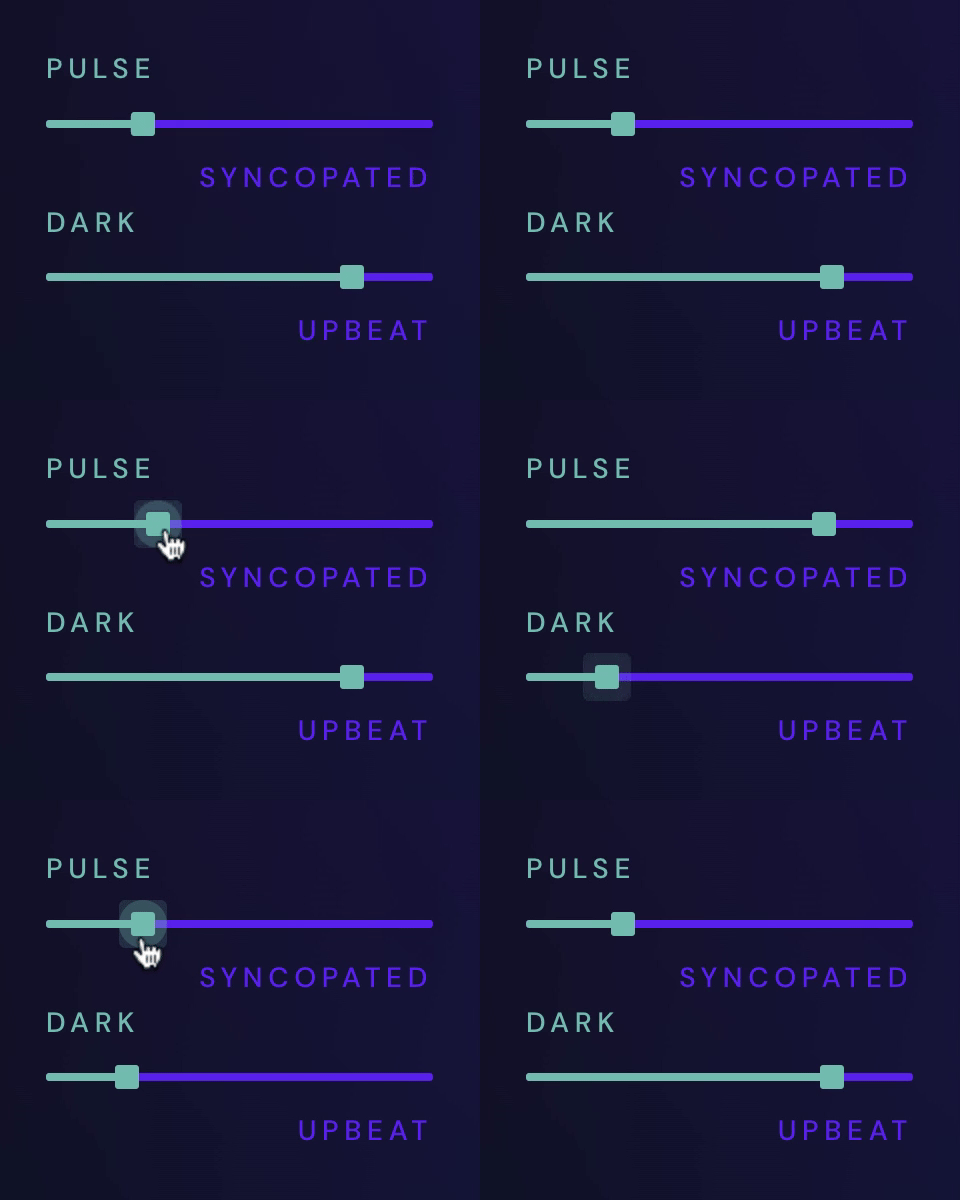
Dedicated sliders for genres, moods, and energy allow you to fine-tune and customize your creations.

Editable & Compatible

Edit your creations in the browser and export MIDI, audio, MP3, or Ableton Live project files depending on your plan.
Powered by Beat Shaper's Custom AI Model

Full Stylistic Control

Describe your music in words or dial it in precisely with sliders that control every aspect of the sound. Every loop is created on-the-fly and generated in real-time.
Checkmark
Generate new sounds and ideas quickly
Checkmark
Break through creative blocks and finish more tracks
Read More
Website acticvityRevenue StatsBG Shape
BG Shape
Manual Editing Support

All Creations Are Fully Editable

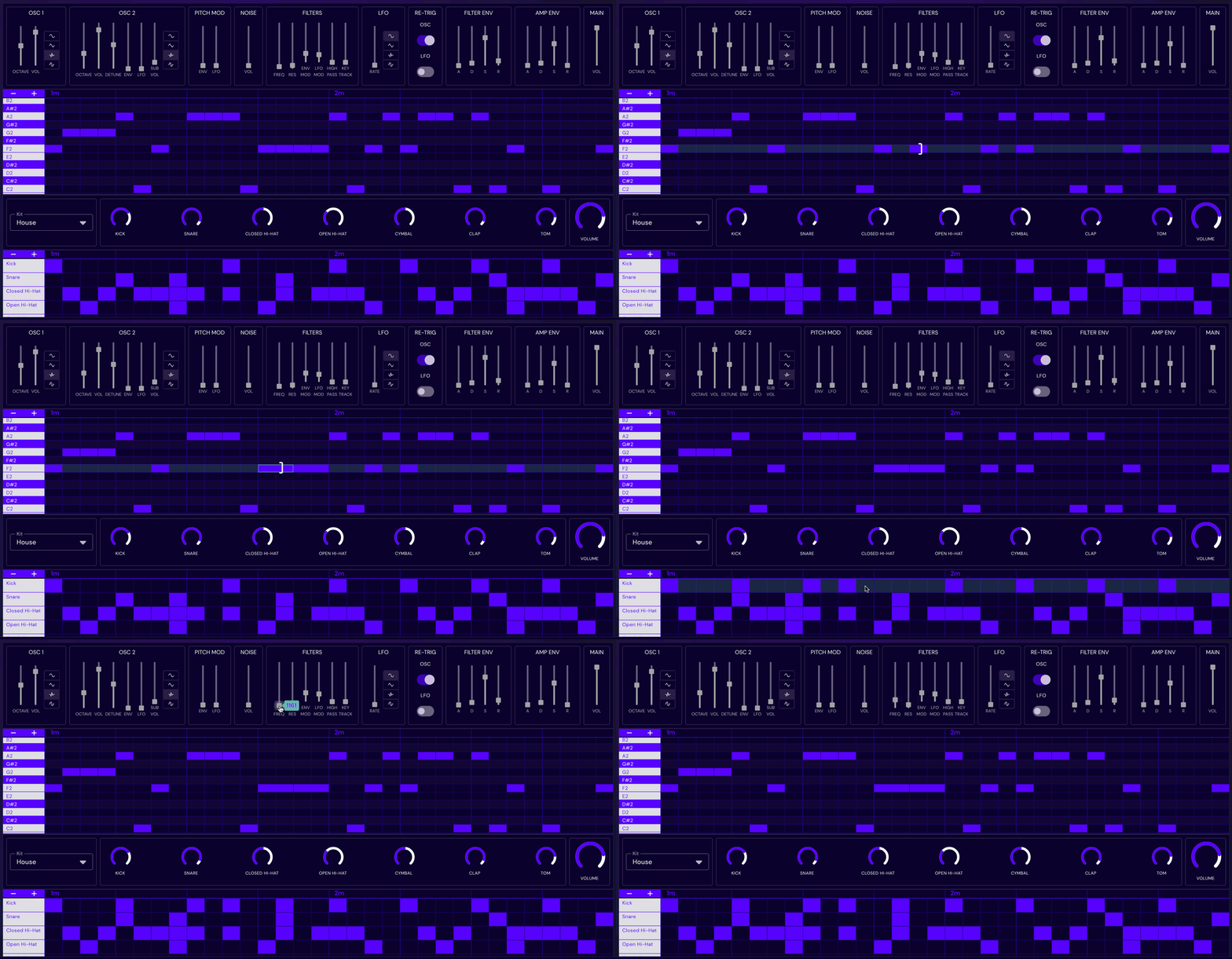
Every loop generated by Beat Shaper can be edited and refined directly in the browser. Use Beat Shaper as a starting point to generate ideas quickly and then refine the notes, beats, and even tune the parameters of Beat Shaper's synthesizer in real-time to match your creative vision exactly.
Read More
Compatible with Ableton Live

Integrate AI Into Your Workflow

Export your loops from Beat Shaper and drag-and-drop them straight into your Digital Audio Workstation (DAW) to keep working with them in your standard workflow. Generated loops can be exported as MIDI and WAV, so you can play back beats and loops with your favorite VST or drum samples, or chop up the loops in your favorite editor. Loops created with Beat Shaper are compatible with all popular DAWs including Ableton Live, Logic Pro, Cubase, and FL Studio.
Read More
BG Shape
FAQ

Questions & Answers

Frequently asked questions about using Beat Shaper
Who owns the rights to Beat Shaper's generative output? Can it be used commercially?

You own the musical ideas you create with Beat Shaper. Commercial use depends on your plan: Starter is for personal & non-commercial use. Creator and Producer plans include commercial use. See the pricing page for the current plan details.

Where does the training data come from? Is it licensed?

Beat Shaper is trained on a custom licensed dataset. We built the system around legally usable training material and a responsible AI workflow for music production.

What genres are supported?

Beat Shaper focuses on electronic music styles, including Techno, House, Acid, Drum & Bass, Hip-Hop, Trance, and related genres. The exact available styles may depend on the current app version.

What file formats and DAWs does Beat Shaper integrate with?

Beat Shaper exports editable MIDI, rendered audio, MP3, and Ableton Live project files depending on your plan. MIDI and audio exports work with major DAWs such as Ableton Live, Logic Pro, FL Studio, Cubase, and others. Ableton-specific features include Drift-compatible patches, Ableton Live project export, and Max for Live integration where included in the selected plan.

Can I edit and export MIDI and audio stems?

Yes, generated drums, basslines, synth parts, and arrangements remain editable in Beat Shaper. You can refine notes, drum hits, clips, and sound settings before exporting.

What plan should I choose?

Starter is for trying Beat Shaper and personal use. Creator is for producers who want more regular use and commercial rights. Producer is for heavier production workflows and advanced features such as deeper Ableton & Max for Live integration. See the pricing page for the current limits and included features.

What level of musical expertise do I need?

Beat Shaper is designed for both beginners and experienced producers. Beginners can start from prompts and suggestions, while experienced producers can edit MIDI, sound settings, arrangements, and exports in more detail.

Start using AI in your music

Enhance creativity and break through creative blocks

Create Music with Beat Shaper